
Free WhatsApp Automation Workflow (Step-by-Step Guide for Businesses)
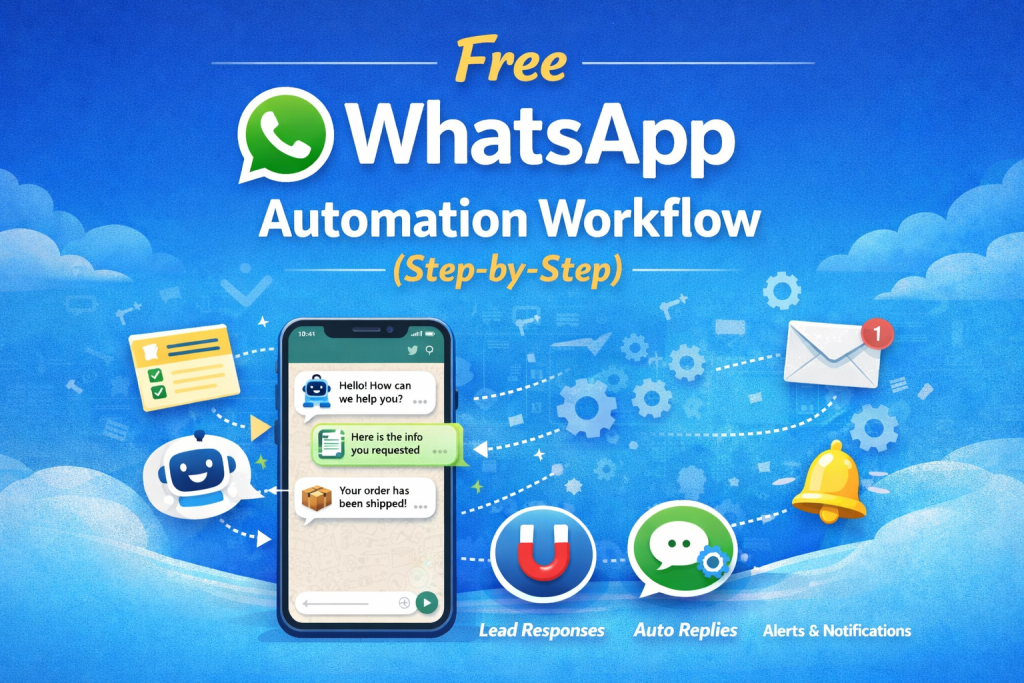
Free WhatsApp Automation Workflow (Step-by-Step)
WhatsApp has become one of the most powerful communication tools for businesses. From customer support to lead generation, companies rely heavily on WhatsApp to interact with their customers.
However, responding to every message manually can consume a lot of time. This is where WhatsApp automation workflows can help. By automating responses and processes, businesses can save time, improve response speed, and provide a better customer experience.
At BizFlowKit, we help businesses discover powerful workflow automation tools that simplify daily operations and improve efficiency.
What is WhatsApp Automation?
WhatsApp automation allows businesses to automatically send messages, replies, notifications, and updates without manual intervention.
Automation workflows can be used for:
- Automatic lead response
- Customer support replies
- Order updates and notifications
- Appointment reminders
- Marketing broadcasts
When implemented correctly, automation can significantly improve customer engagement.
Benefits of WhatsApp Automation
- 24/7 customer support
- Instant responses to leads
- Improved customer experience
- Reduced manual workload
- Higher lead conversion rates
Tools You Can Use for WhatsApp Automation
There are several automation tools that allow you to create workflows easily.
- n8n workflow automation
- WhatsApp Business API
- Zapier automation
- Make (Integromat)
Many businesses explore automation platforms listed on BizFlowKit to discover the best tools for their workflow needs.
Step-by-Step WhatsApp Automation Workflow
Step 1: Connect WhatsApp API
First, connect your WhatsApp Business API with your automation platform. This will allow workflows to send and receive messages automatically.
Step 2: Create a Trigger
Set up a trigger that activates the workflow whenever a user sends a message or submits a form on your website.
Example triggers:
- New website form submission
- New lead captured
- Incoming WhatsApp message
Step 3: Process the User Message
The workflow should analyze the incoming message and decide what action to take. This could include identifying keywords like:
- Pricing
- Services
- Support
Step 4: Send Automated Reply
Once the message is processed, the workflow sends an automatic reply with relevant information or links.
Example automated message:
"Hi! Thanks for contacting us. Our team will respond shortly. Meanwhile, you can explore our services here: https://bizflowkit.in"
Step 5: Notify Your Team
If the conversation requires human support, the workflow can notify your team via email or Slack.
Popular WhatsApp Automation Use Cases
1. Lead Capture Automation
Automatically send welcome messages when a new lead submits a form on your website.
2. Appointment Booking
Send appointment confirmations and reminders automatically.
3. E-commerce Order Updates
Send order confirmation, shipping updates, and delivery notifications via WhatsApp.
4. Customer Support
Answer frequently asked questions instantly using automated replies.
Best Practices for WhatsApp Automation
- Keep automated messages short and clear
- Provide an option to talk to a human
- Avoid sending too many promotional messages
- Personalize responses when possible
Final Thoughts
WhatsApp automation is a powerful way to improve communication, capture leads, and support customers efficiently.
By implementing a simple automation workflow, businesses can respond faster and deliver better customer experiences.
If you want to explore more automation workflows and tools, visit BizFlowKit to discover powerful automation solutions for modern businesses.